Design thinking, maker space, and human-centred design thinking are all terms we are hearing more in our LLCs and classrooms. While they are all interrelated, they differ in key ways that I will explain below.
Maker Space is a constructivist approach to learning through tinkering, playing with and constructing new objects and products. While it shares many commonalities with design thinking, it does not necessarily involve all aspects of the design thinking process.
Human Centered Design Thinking is a design process that focuses on solving a problem specific to an identified human need. Beyond simply getting to tinker and play with tools to create prototypes, students must interview an intended public to define a problem and come up with ideas or solutions that are responsive to the group’s needs. As such, this approach can help students to develop empathy since their project’s intended goal is to solve a need of another individual or group.
It’s important to remember that it is the process that is important rather than the final product when it comes to human-centred design thinking. While the end product can be motivating for students, great learning can come from the process of ideating, prototyping, and especially from gaining feedback. As such, this important step needs to be valued and taught explicitly, so that it is seen as an essential part of the learning and design process.
In addition to the above mentioned skills, human centred design thinking requires the development of a lot of specific language skills. Developing, asking and answering questions during the interview, interacting and collaborating with peers while tinkering, providing constructive feedback are all specific language skills that students can develop if properly supported.
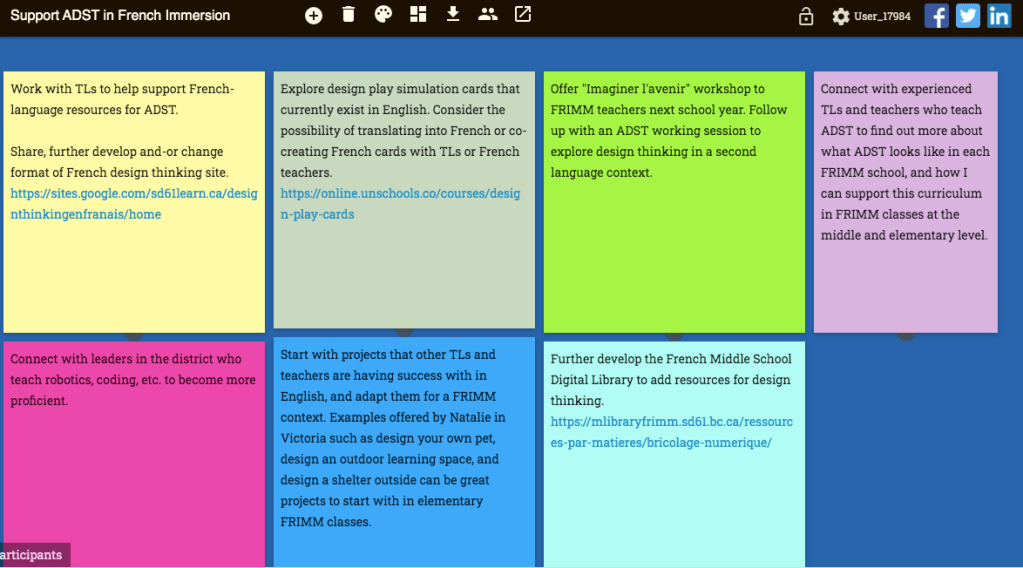
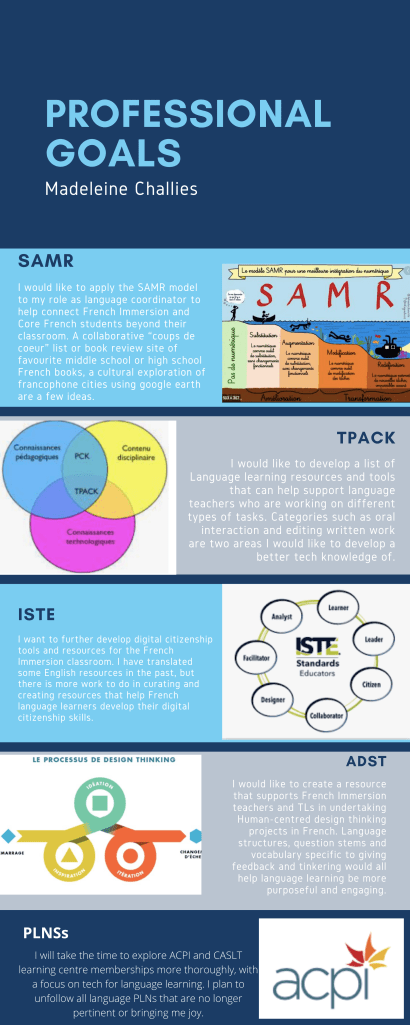
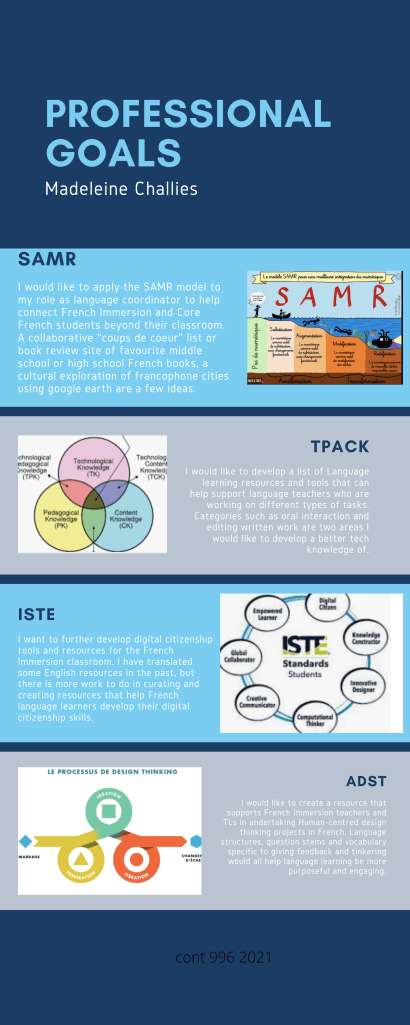
I was introduced to design thinking by my amazing TL a few years back, and we worked together to create an interdisciplinary design thinking project called “IMAGINER L’AVENIR” for our grade 8 French Immersion students. I loved this project, and saw the potential for human-centred design thinking to motivate students, create a culture of learning and risk-taking, connect the class to real-world problems, and support authentic language learning. In my current position as Language Coordinator, I would love to put together an open lesson sequence that helps to scaffold the language-learning aspects of human-centred design thinking in a French Immersion classroom. Much like the program referenced in the Main school, human-centred design thinking in French Immersion could help make language learning authentic, relevant and engaging for students.
Cited Sources
British Colombia Ministry of Education (n.d.) Applied Design, Skills and Technologies Curriculum. (Website) https://curriculum.gov.bc.ca/curriculum/adst
Averil, Sandra (2020) ADST Design Thinking. (Video). Vimeo: https://vimeo.com/400420774
Main School engages kids with Problem-Solving Challenges. (Video). Youtube https://www.youtube.com/watch?v=i17F-b5GG94


 Technology in the language learning classroom and library